How to Sign Up and Set Up Your Account on PartyVerse (For Organizers, Vendors, and Guests)


- Verify your BVN
- Complete the selfie verification for identity verification
- Set your Transaction PIN
- Business name and phone number
- Business tag and category
- Description of services offered
- Social media handles / website, email address
- Upload your BVN and business registration number
- Upload your business logo
- Provide registration documents (e.g. CAC document)
So you're ready to get started on PartyVerse. Whether you're here to plan an event, offer a service, or attend as a guest, there are a few steps to set up your account properly before you dive in. It's quick and easy — plus the better your setup, the smoother everything runs from here.
Here's how to get started:
Step 1: Download the App and Create Your Account
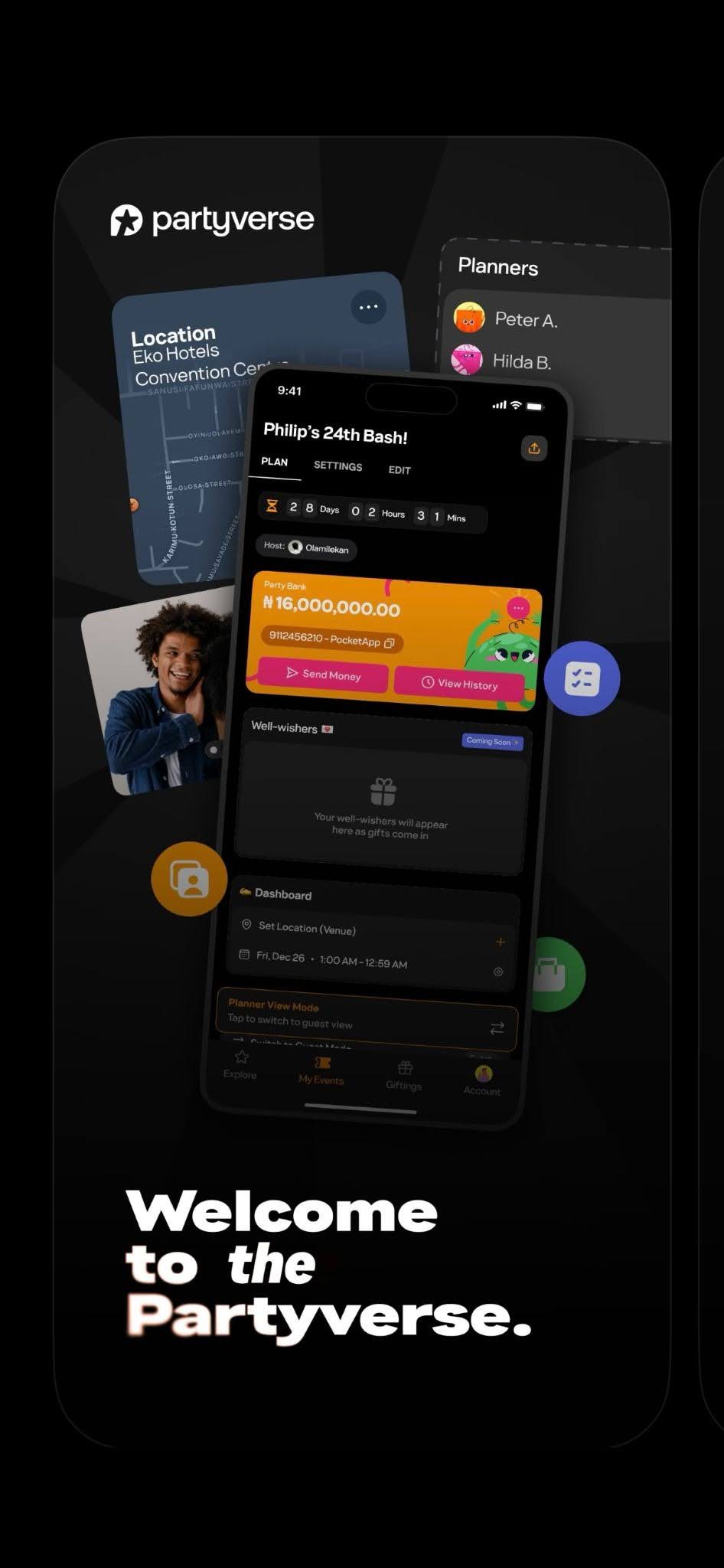
Download the PartyVerse app, then complete the sign-up form and any other required details. Once submitted, your account is created.
Step 2: Complete Identity Verification (KYC)
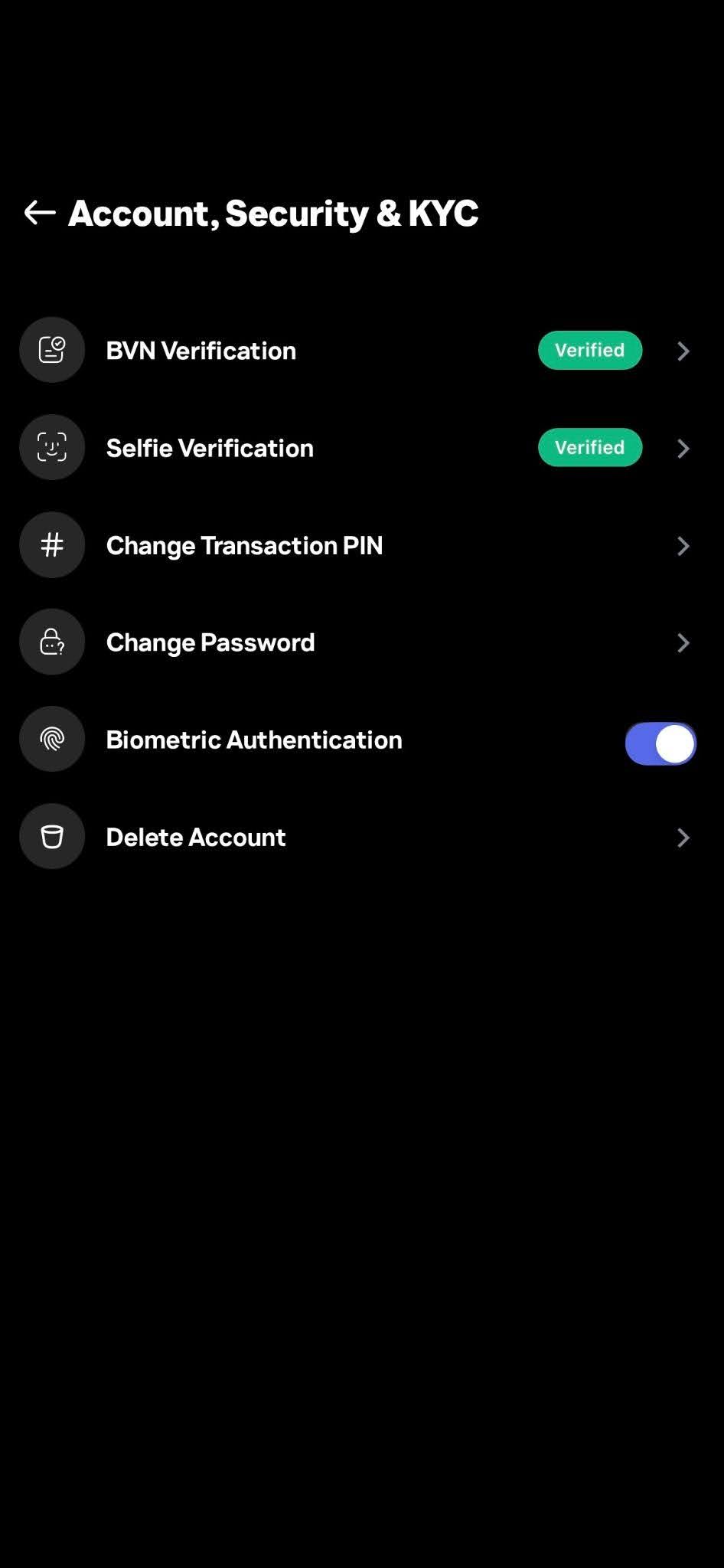
Go to Account → Security & KYC and complete the following:
This step is required to unlock key platform features, including transactions on the app.
Step 3: Create Your Partypurse
Your Partypurse is your in-app wallet. It's how you send money, receive payments, and manage transactions on PartyVerse. Go to Account → Create Partypurse, complete any pending verification steps, and activate it.
For Organizers
Set Up Your Host Profile

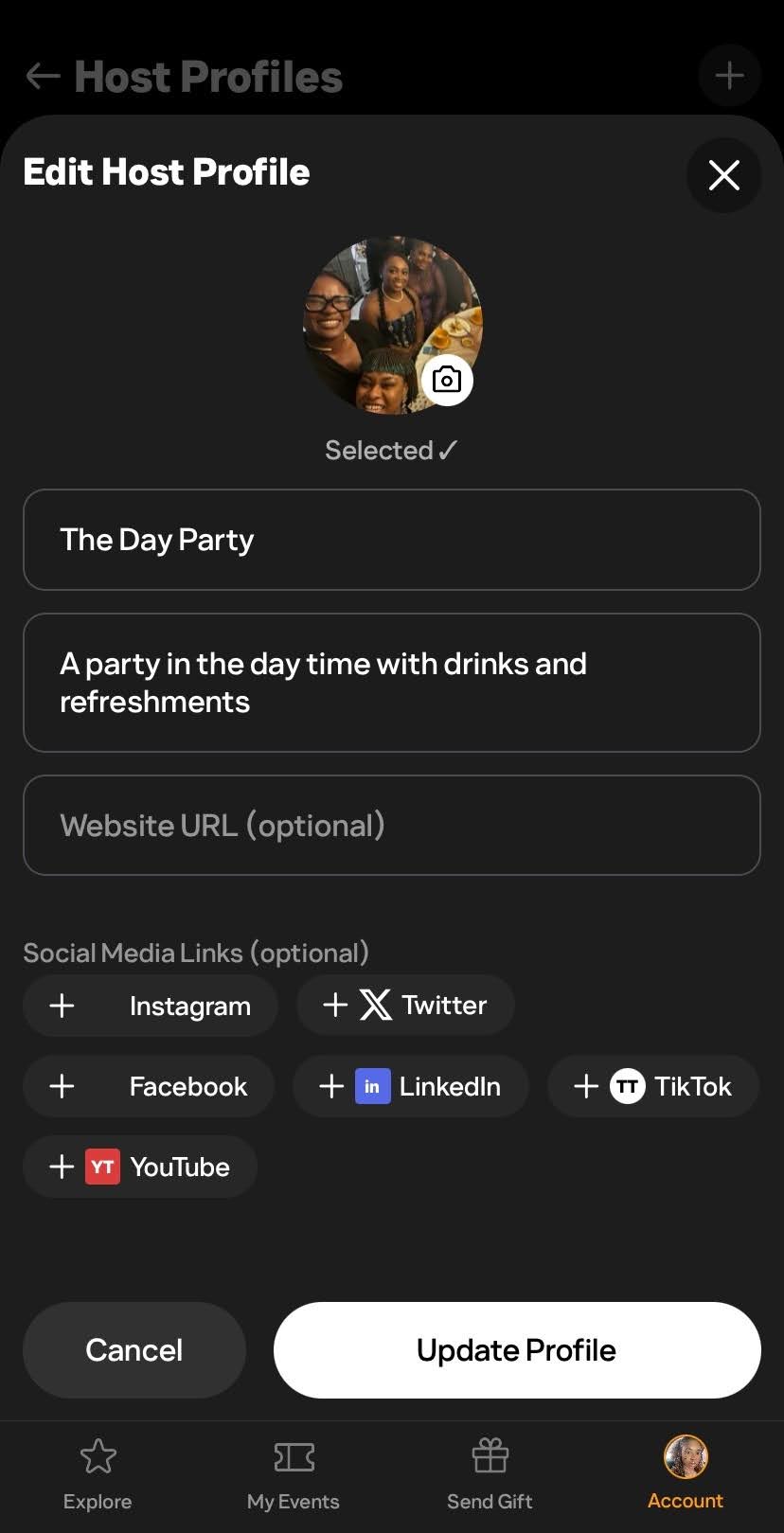
Your Host Profile represents your brand identity as an event organiser. It builds credibility with guests and collaborators.
Go to Account → Manage Host Profile → Create Host Profile and provide the required information to ensure your profile is complete and verified. You can also link your social media handles here.
Create a Party Bank for Your Event
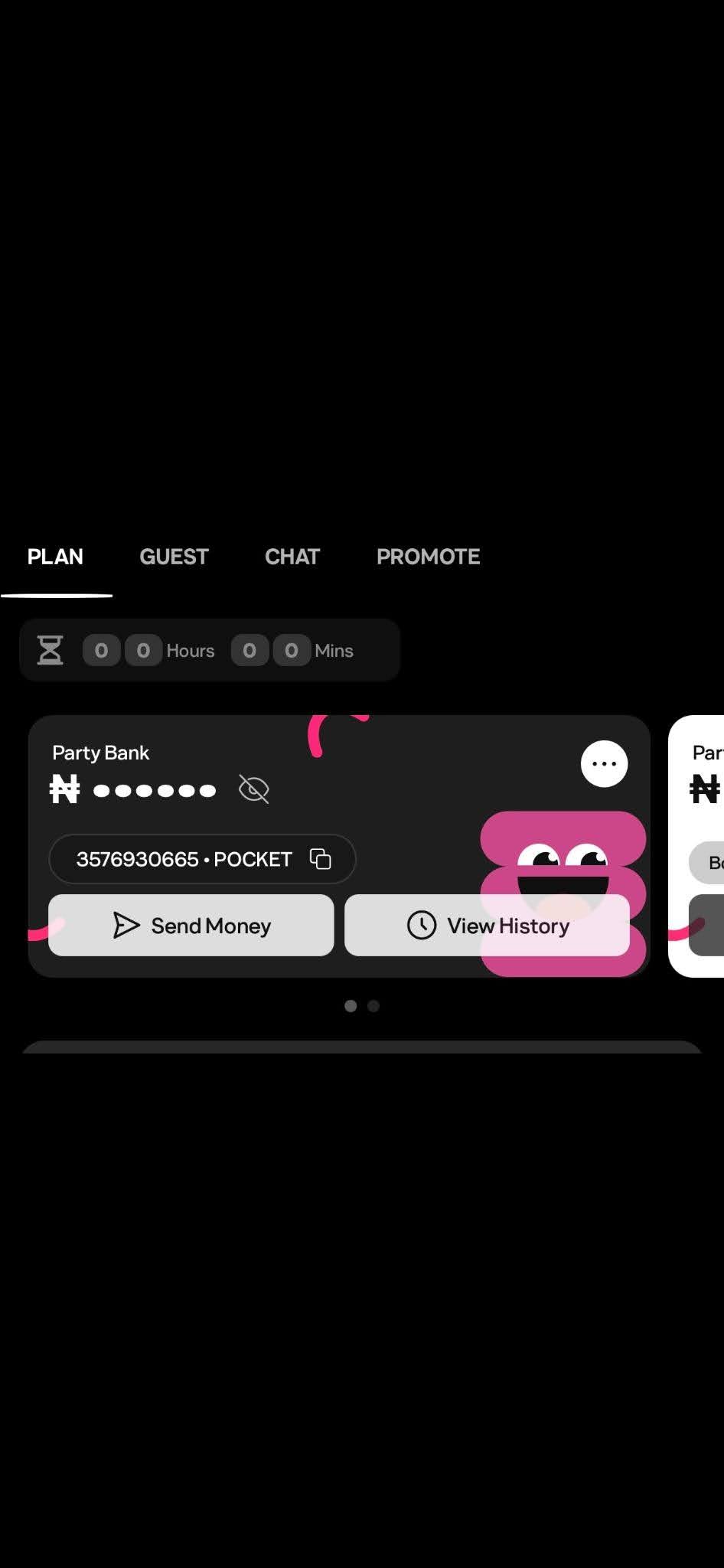
A Party Bank is an event-specific account that allows you to receive ticket purchases, guest contributions, track all inflows, and have transactions automatically reflected in your event reports with no manual reconciliation required.
To set it up, simply generate a virtual account number for your event from your event dashboard.
For Vendors
Switch to a Business Account

If you offer services like photography, catering, or décor, you must operate as a business on PartyVerse.
Go to Account → Switch to Business, then tap Create Business Profile and fill in the following:
You will also need to:
You can also indicate whether your business is open to sponsoring events — this can be toggled on or off at any time.
Only verified business accounts can operate fully on the platform.
Once your profile is approved, you are all set.
For Guests
Once your account is created and verified, create your Partypurse so you can RSVP to events, send gifts, and purchase tickets or items.
One More Thing
PartyVerse is also accessible via a web browser for those who prefer to sign up or manage their account on desktop.
However, it is recommended to use the mobile app for the full experience.
Whichever you choose, PartyVerse is where the best celebrations begin.